Windows Desktop Application

Manage your PDFs with
Combine+

A clean, powerful tool to merge, rearrange, and manage your documents. Built for Windows with a focus on speed and simplicity.

Developed by Khalid Ghaith using Gemini
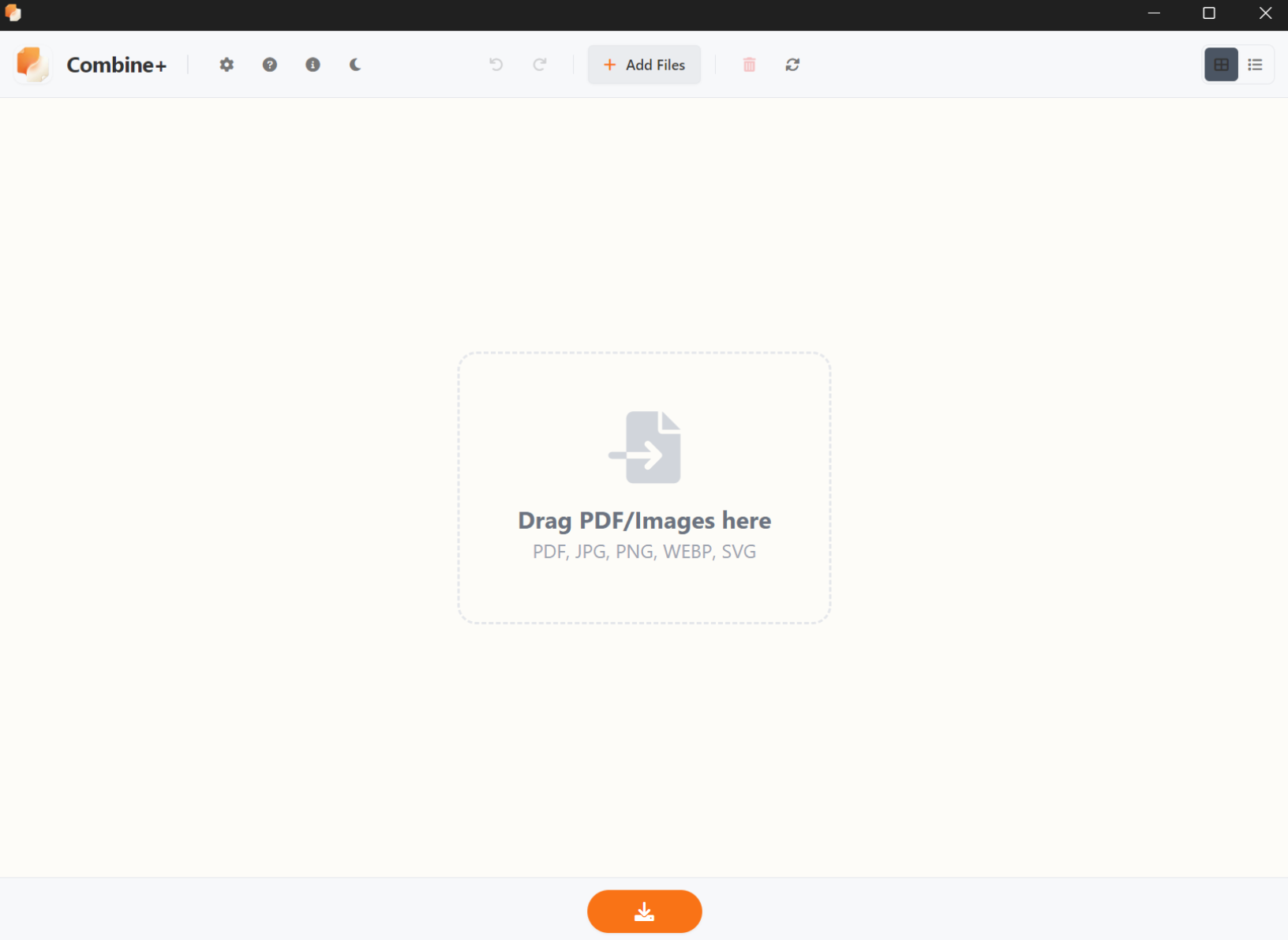
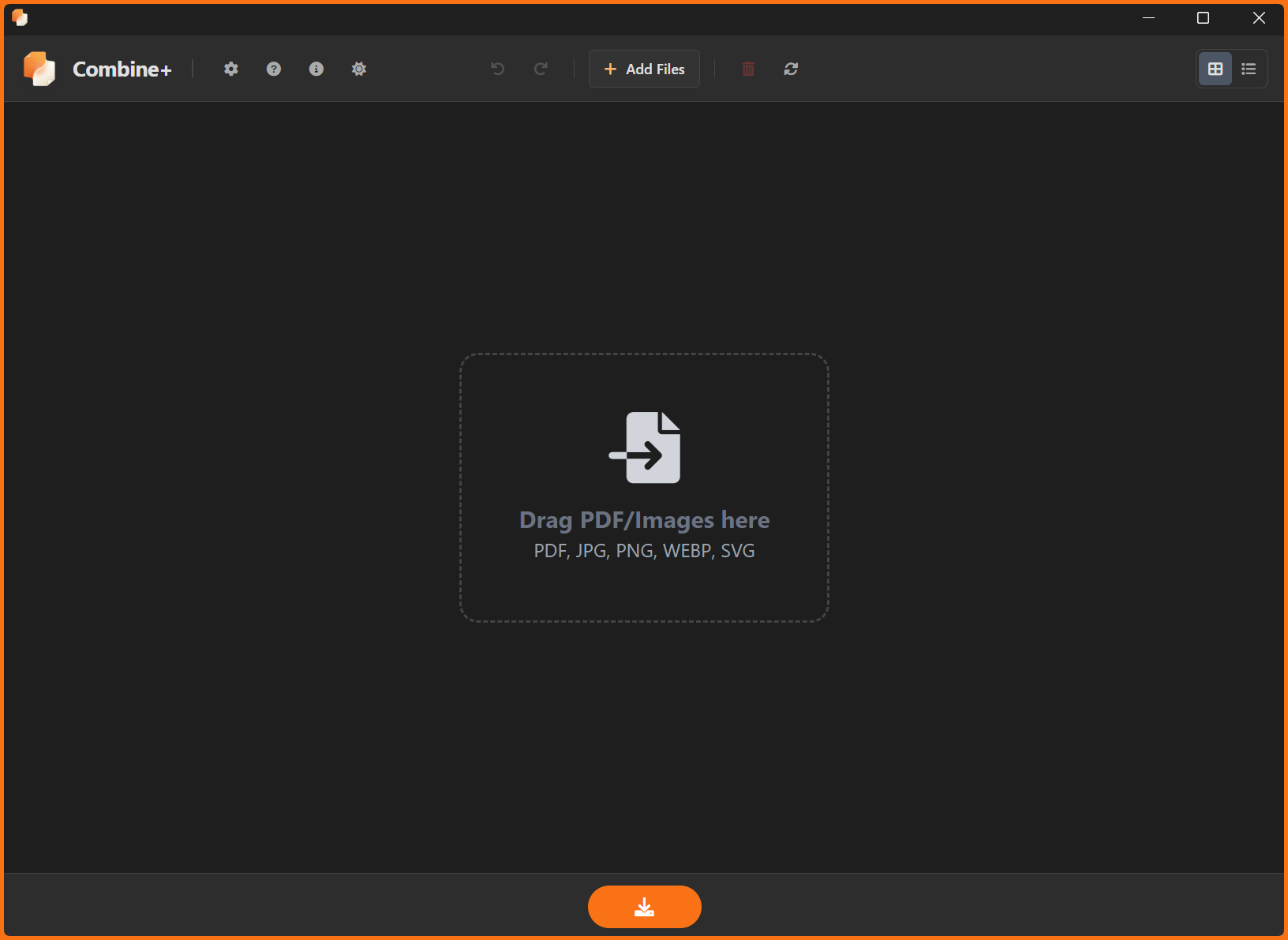
Combine+ Start Screen

Effortless Organization

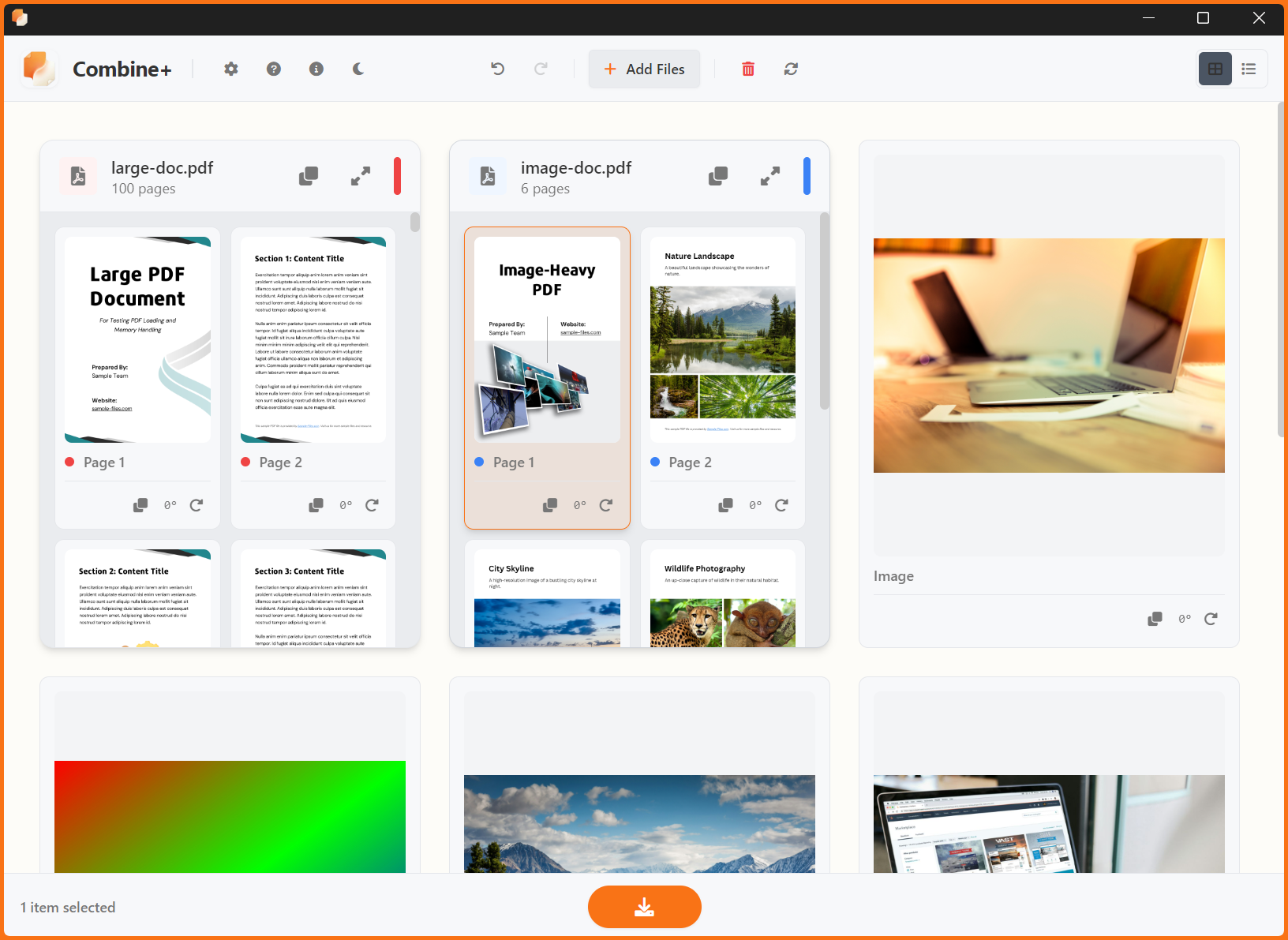
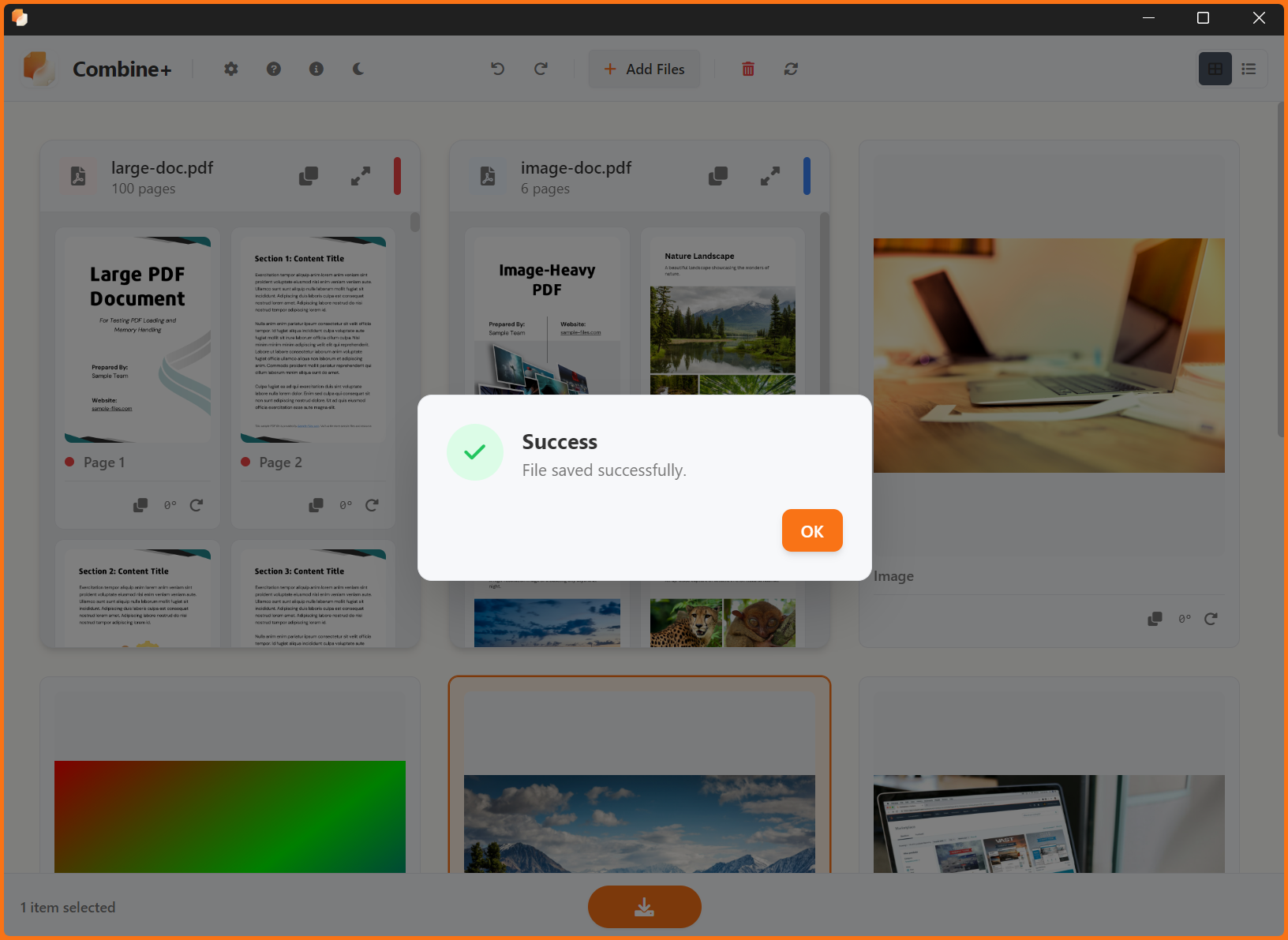
Importing content shouldn't be a chore. With Combine+, you can:

  • Drag & Drop files directly from Explorer.
  • Paste Screenshots directly from your clipboard.
  • Smart Selection with orange active states.
Grid View Organization
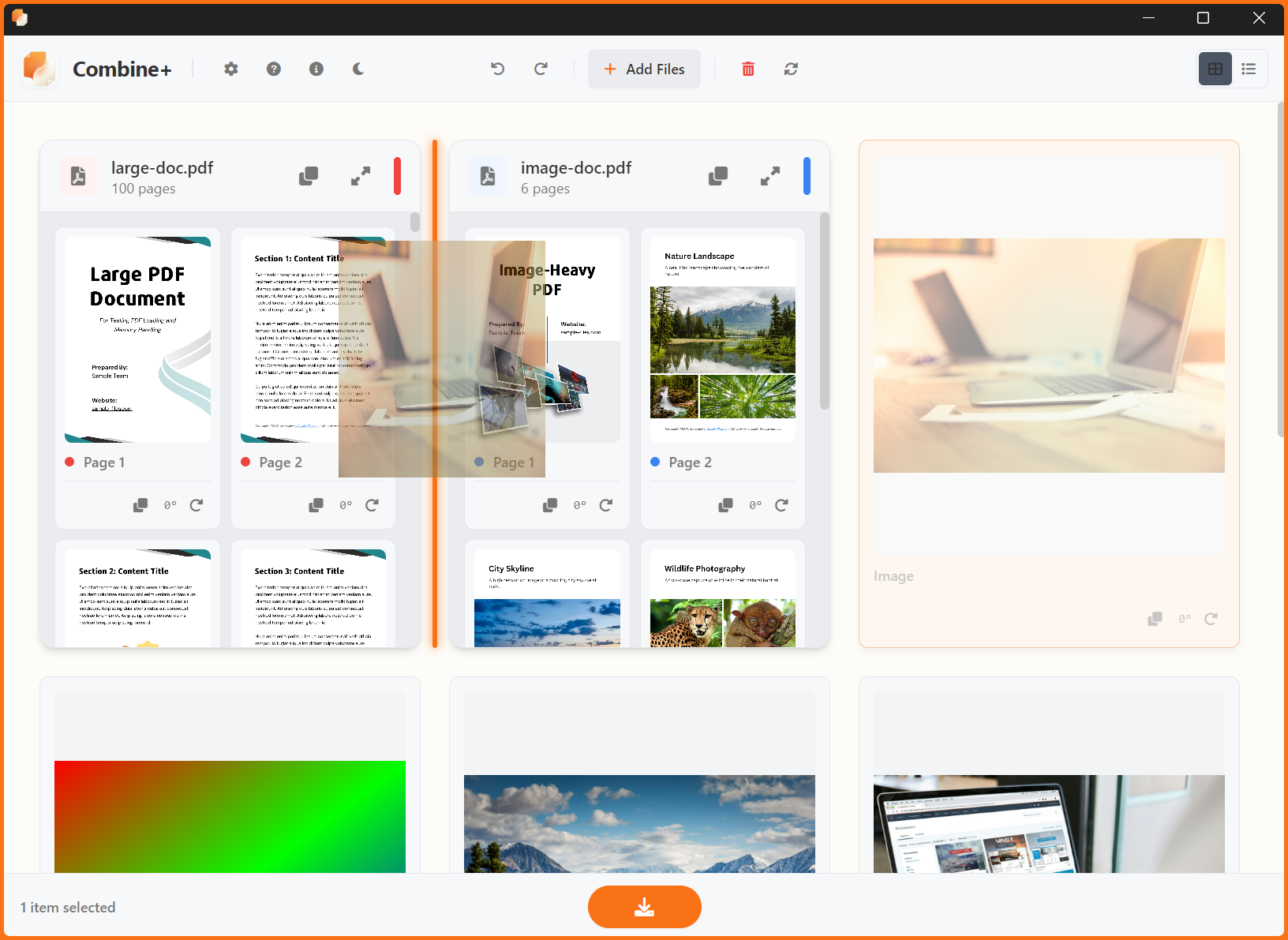
Rearranging Files

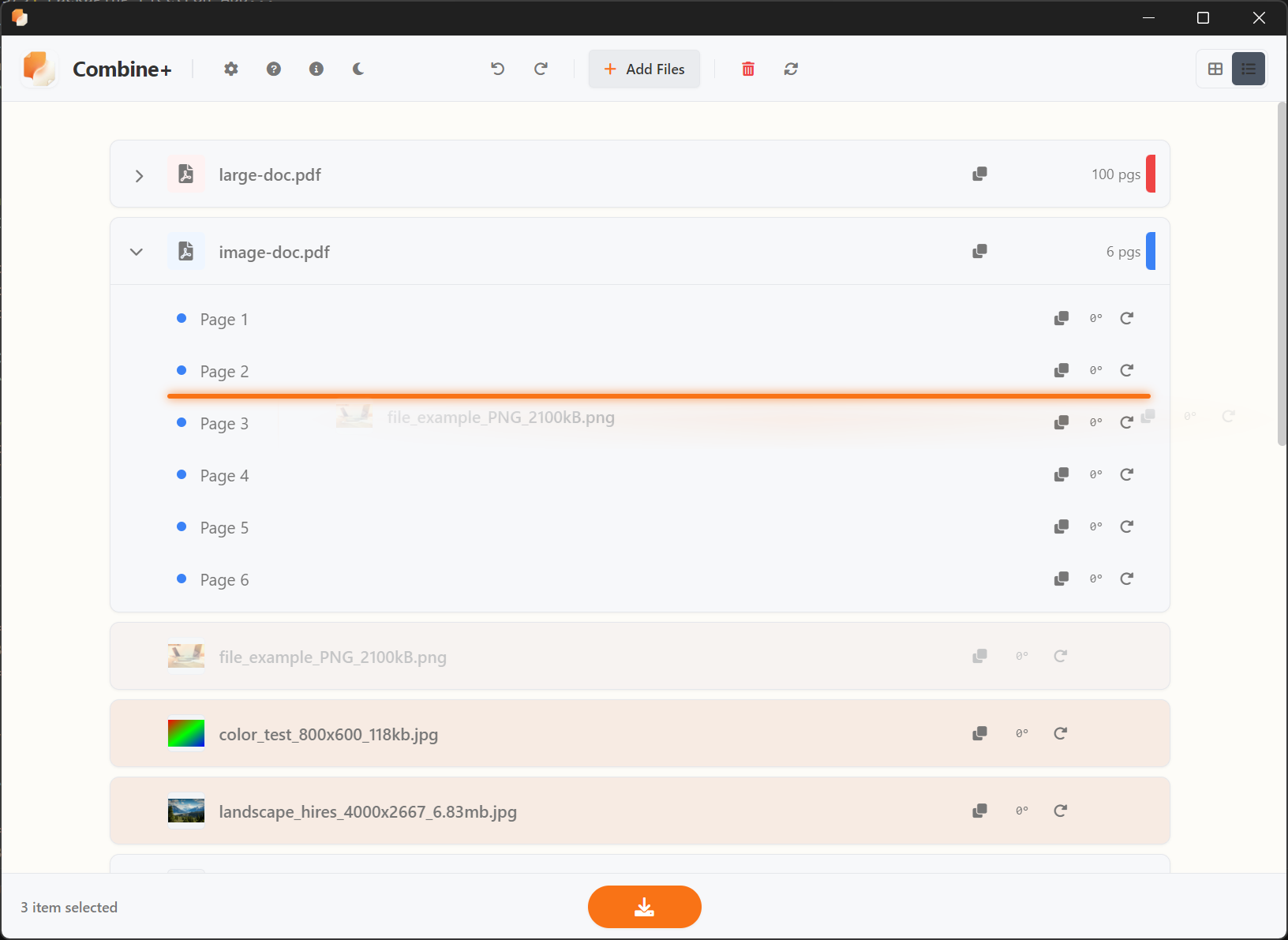
Intuitive Rearranging

Order matters. Drag items to their perfect position using the visual insertion markers, or throw them to the "Drop Tail" to send them to the end of the line instantly.

"Look for the orange insertion markers that indicate exactly where your file will land."

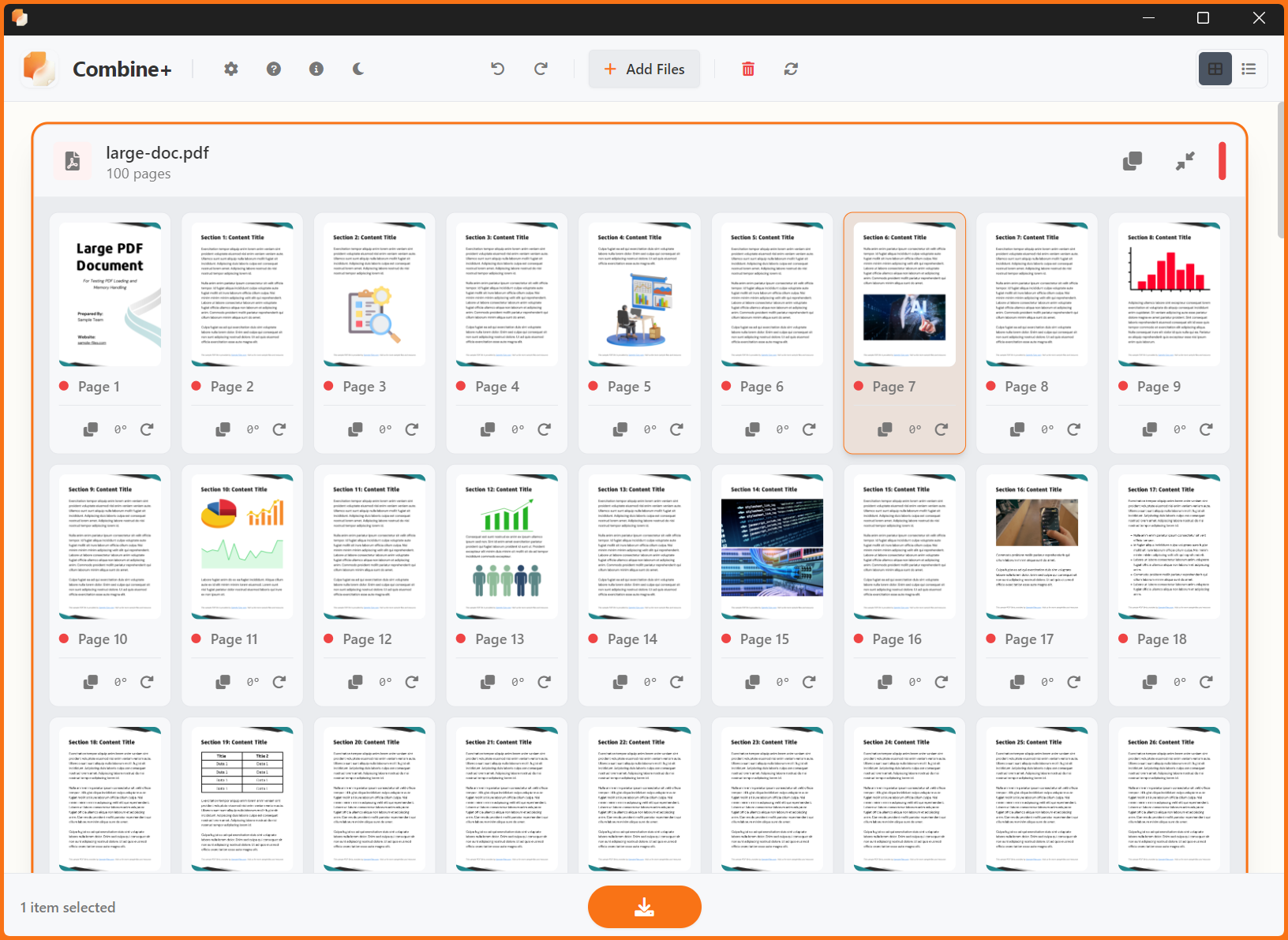
Built-in Previewer

Stop opening external apps just to check a page. Double-click any item to launch the integrated viewer.

  • Zoom in for details
  • Flip through pages instantly
PDF Viewer

Power User Shortcuts

Speed up your workflow

Add Files Ctrl + O
Save / Export Ctrl + S
Paste Files / Images Ctrl + V
Duplicate Item Ctrl + D
Rotate Selected Ctrl + R
Remove Item Del
Move Items Ctrl + Arrows
Zoom Grid View Ctrl + Scroll
Developer

Support the Development

Combine+ is a passion project developed by Khalid Ghaith. If this tool saves you time, consider buying me a coffee to keep the updates coming!

Ko-fi cup Buy me a Coffee